


G5E DISPLAY
Technology Products
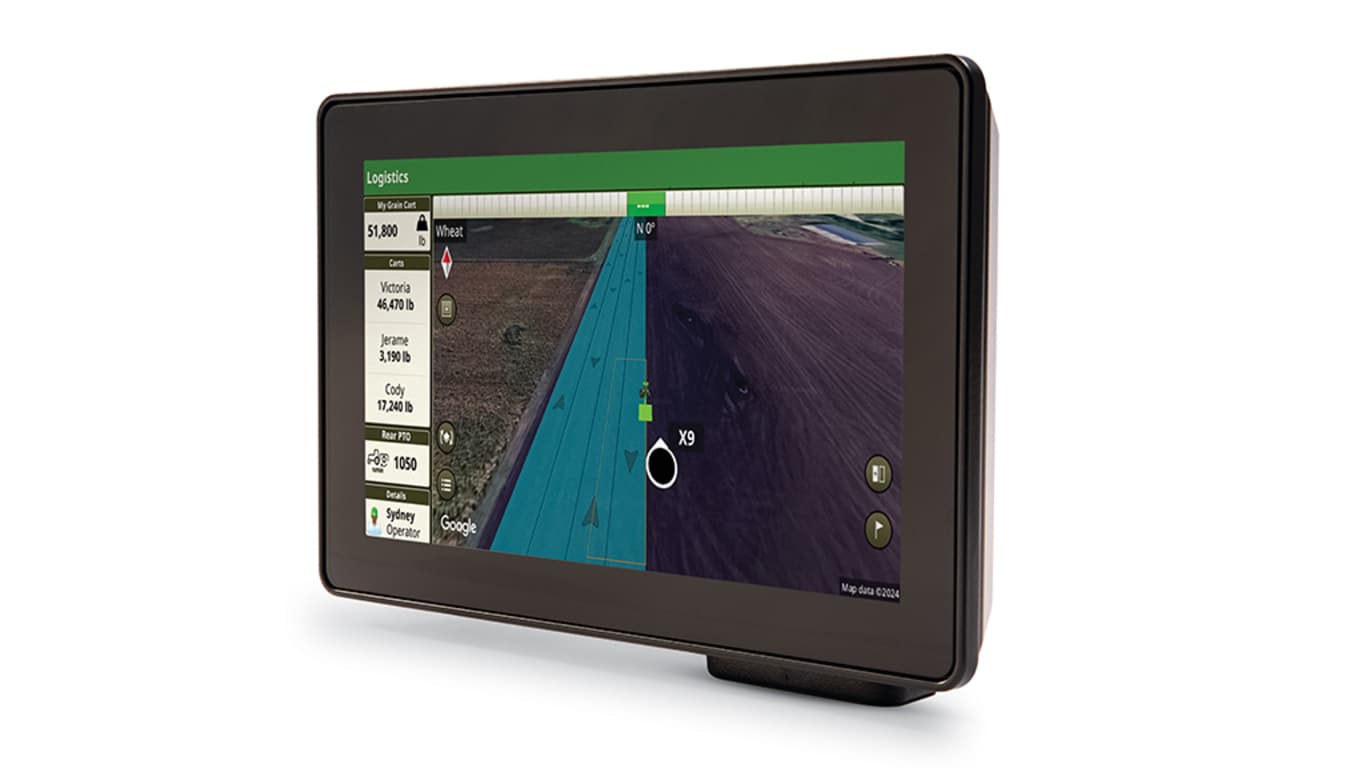
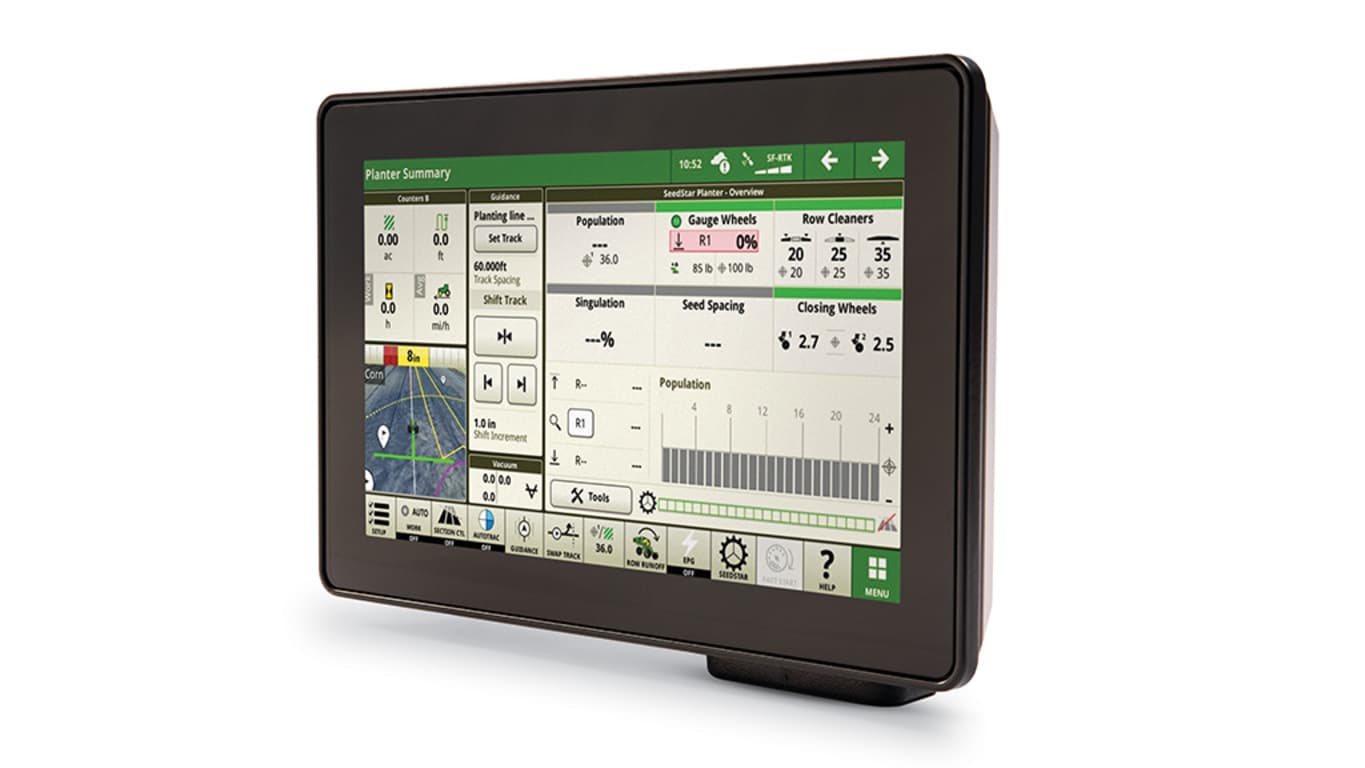
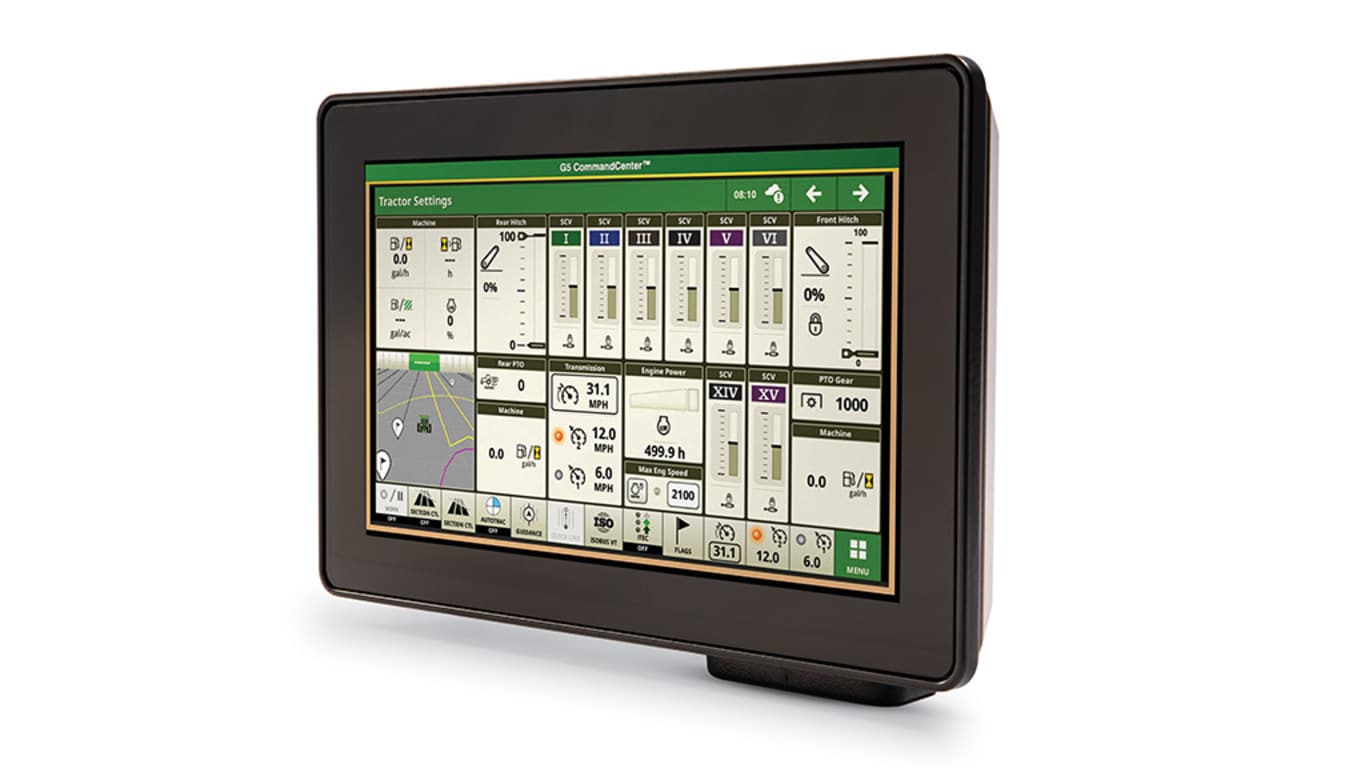
- Bright, 8-in (20.32-cm) LCD touchscreen offers affordable access to JDLink™ connectivity1 , wireless data transfer, Documentation, Data Sync, and Service ADVISOR™ Remote
- Add more guidance and automation tools with optional AutoTrac™ or Section Control permanent licenses
- Compatible across all John Deere tractors, implements, and utility vehicles with easy box-to-cab installation
Features
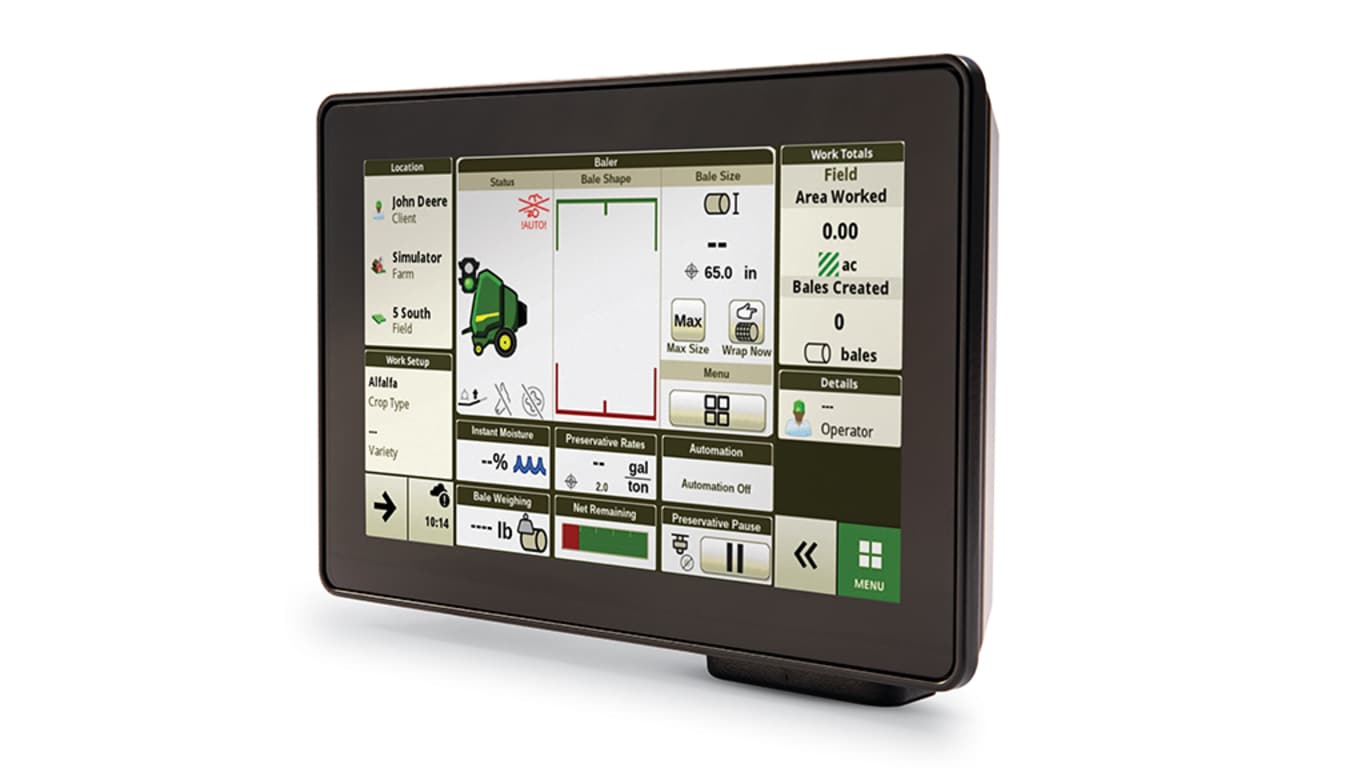
For the 1 Series Round Baler, the G5e ships from the factory with these three features included with the display so that you can easily monitor the functions of your implement:
- Documentation
- Data Sync
- Remote Display Access
Take advantage of the following features offered by the G5e Display:
C-Series Air Cart Specific Features:
Touch screen cart-side display
The weatherproof touch screen display will make navigating fill and calibration pages straightforward. Selecting the menu button on the lower right will allow the user to select:
- Meter calibration: preform an EZCal™ System or bag calibration without leaving the side of the air cart
- Tank fill: shows product weight and tank fill level
- Tank pressure: shows the differential pressure between the tank and the meter for each individual tank Monitor settings: allows the customer to adjust the brightness of the display
- Info: display and software information
Meter calibration
- Meter calibration is started and completed without leaving the air cart. Both EZCal™ and bag calibrations utilize the G5e Cart Side Display to calculate and send MDVs directly to the Gen 4 or G5 display in the cab without having to enter any values.
Tank product weight and fill level
Tank pressure screen
- The G5e Cart Side Display replaces the mechanical tank pressure gauges on previous air carts. Tank pressure for each tank will be individually displayed.
1 Series Round Baler Features:
Machine Settings Tab
- View and edit maintenance and calibrations
Applications Tab
The Applications tab allows the user to view and edit:
- Calculator
- Equipment Manager
- Fields and Boundaries
- Flags
- Help tool
- John Deere VT
- Layout Manager
- Mapping
- Overlap Control
- Remote Display Access
- StarFire
- Video
- Work Monitor
- Work Setup
- Work Totals
Equipment Manager
- View and change settings and dimensions for the attached equipment
Documentation and Equipment Detection
- Available for Ottumwa built MY24 1 Series Round Balers
Flags
- Mark areas in the field that need special attention such as rocks, tile lines, or weed pressure.
- Flags previously recorded on the G5, Gen4, or GreenStar™ 3 2630 Display can be transferred between monitors.
Layout Manager
- Easily create page views that meet user needs and that are also equipped with default run pages.
Work Monitor and Work Totals
- The application displays performance information about the task being performed by the machine.
- You are shown averages, totals, and productivity of the machine, such as area worked, average working speed, and fuel usage.
- Work setup places the settings needed to properly setup features such as Documentation, and Section Control in a single location. Settings include:
- Client, farm, and field
- Crop type
- Machine and implement dimensions
- Variety/hybrid and planting/seeding rates
- Variable rate prescriptions
- Product and application rates
- Application rates through the implement screens
System Tab
The System tab allows the user to view and edit:
- Date and Time
- Diagnostics Center
- Display and Sound
- File Manager
- Language and Units
- Software Manager
- Users and Access
- Wireless Settings
Language and Units
Easily switch between languages with the option to set the active and alternate language. Configure the shortcut bar to include the language toggle allows different individuals to easily switch the display between languages.
*NOTE: This restarts the display.
The G5e allows data to be transferred from the display to the John Deere Operations Center for job reporting and analysis using Wireless Data Transfer (WDT) or Data Sync.
- With WDT, you can manually send data to the John Deere Operations Center for review.
- Data Sync automatically sends your data to the Operations Center, avoiding the need for manually exporting the data.
Wirelessly sending data helps you save time and money while increasing productivity. Wirelessly transfer setup, prescription, and documentation files securely between office and mobile devices, eliminating the need for USB transfer. This increases your uptime and productivity, reduces the risk of data loss, and enables easy data sharing and more timely decision making.
Through the John Deere Operations Center, you are in control and can easily share files with a John Deere dealer and other trusted advisers.
NOTE: For users in areas of poor cellular coverage, data can be exported using a USB flash drive.
The ability to remotely view the machine’s settings, performance, yield, acres, and other information is highly valuable when managing or supervising an operation. It is imperative that your equipment keeps running productively and that you are enabled to provide remote support to improve the quality and efficiency of work while saving time and money. RDA enables you to get help with machine settings or identify a problem and receive assistance in navigating through the steps needed to resolve the issue.
Value of RDA:
- Improved confidence in precision farming applications for all operators
- Increased productivity with quicker problem resolution
- Improved service from John Deere dealer and support personnel
- Increased profitability by keeping equipment moving
- Reduced labor and travel costs